- An SAP process audit checks whether your system is used as designed or whether operations run on workarounds, Excel and open documents.
- The signs are almost always the same: inventory that doesn’t match, old open items, ignored MRP messages and inconsistent master data.
- SAP has tools to measure this with real data, such as SAP Signavio Process Insights and SAP Readiness Check.
- Doing it before moving to S/4HANA keeps you from carrying the same problems into the new system.
What it’s for
Over the years, every SAP system builds up “habits”: purchase orders nobody closes, duplicate materials, manual inventory adjustments or planners who no longer trust MRP. An audit puts numbers on those habits and tells you which ones cost money.
10 signs your SAP needs an audit
| Sign | What it usually means | Where you see it |
|---|---|---|
| System inventory doesn’t match physical stock | → Movements posted wrong or late | Frequent count adjustments |
| Hundreds of purchase orders or deliveries open for months | → Processes that never close | Open-item reports and month-end close |
| Production orders still open after finishing | → Incomplete confirmations | Production costs that don’t reconcile |
| Planners ignore MRP messages | → Outdated parameters | Rush purchases and shortages |
| Real planning lives in Excel | → The system doesn’t reflect the process | Parallel files per department |
| Duplicate materials or different data by plant | → No master data governance | Purchasing and inventory errors |
| Stock with no movement for over a year | → Inflated forecasts or purchases | Growing inventory value |
| Differences between receipt and invoice | → Prices or quantities poorly agreed | GR/IR account with old balances |
| Low automation | → Many repeated manual tasks | Documents created one by one |
| Nobody knows what each custom development does | → Undocumented custom code | High migration risk |
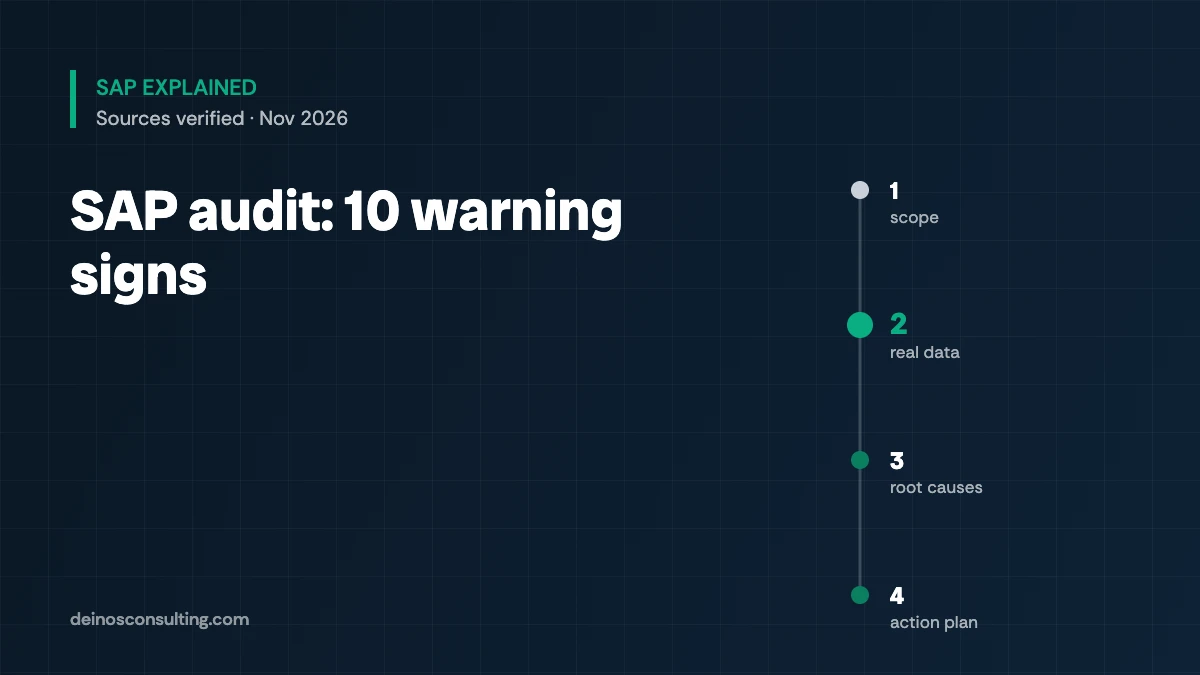
How it’s done, step by step
Pick the critical processes: purchasing, inventory, planning, production.
Pull real indicators from the system, not opinions.
Benchmark against best practices or industry references.
Separate configuration, data and discipline problems.
Prioritize by money impact and ease of fixing.
Tools such as SAP Signavio Process Insights connect to ECC or S/4HANA, show indicators like automation rate or overdue backlog, and recommend improvements. SAP Readiness Check reveals what must be resolved before converting to S/4HANA.
What it means for your Supply Chain operation
- Measure three things this month: purchase orders open over 90 days, non-moving stock and inventory adjustments.
- Review your critical master data. Outdated lead times, lot sizes and safety stocks explain most MRP problems.
- Ask what is done in Excel. Every parallel file is a process SAP isn’t solving.
- Audit before migrating. What you don’t clean today you’ll pay for in the S/4HANA project.
This article is for information only. Available indicators depend on your version and the tools you have licensed.